Vibe Integration

Connect your Vibe account to Measured to bring your Streaming TV spend and performance into your media mix, alongside every other channel you run.
Before you start
- You need a Vibe account with permission to authorize third-party applications.
- Have the Vibe advertiser (or advertisers) you want to connect ready.
- Your Vibe advertiser needs at least one published campaign. Reporting is not available for an advertiser that has never run a campaign.
Connect Vibe
- In Measured, go to Admin Settings, Integrations and select Add an integration.
- In the New Marketing Source panel, search for Vibe and select it.
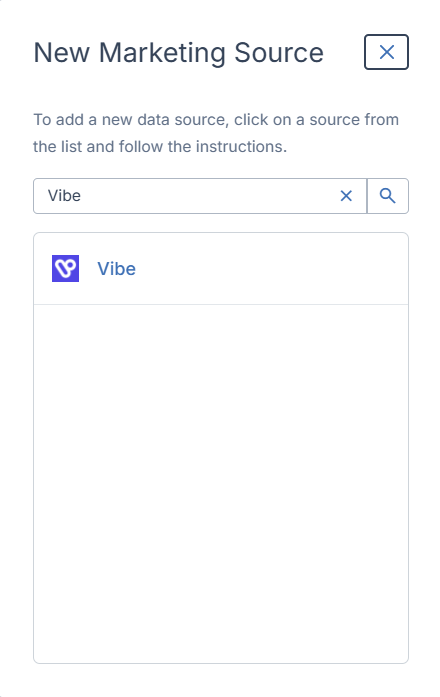
- You are taken to Vibe to authorize the connection. Sign in if you are not already.
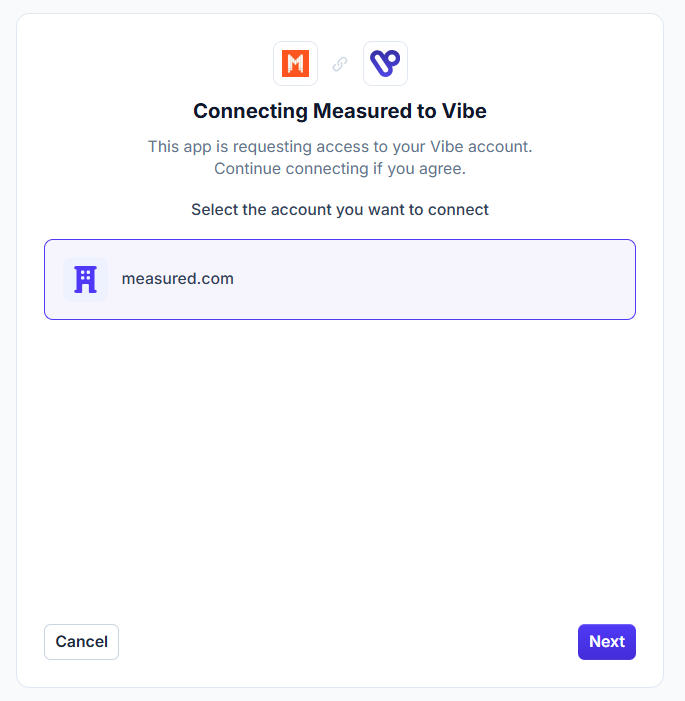
- On the "Connecting Measured to Vibe" screen, choose the account you want to connect and select Next.
- Review the access being requested and approve it.
- You return to Measured. Select the advertiser accounts you want to bring in and complete the configuration.
Your first data pull begins shortly after setup. From then on, Vibe data refreshes daily.
What Measured requests
Measured requests read-only access to your Vibe account:
Read advertisers | Lists the advertisers you can connect |
Read campaigns | Resolves campaign, strategy and creative names |
Read reporting | Pulls your daily performance report |
Measured never creates, edits or pauses anything in your Vibe account.
What data Measured pulls
Measured pulls a daily report covering the last 7 days, broken out by advertiser, campaign, strategy, creative, channel and geographic region.
Metrics include: spend, impressions, households, frequency, CPM, completed views, cost per completed view, view-through rate, page views, sessions, leads, installs, purchases, purchase value, signups, up to three custom conversions, and ROAS.
Because Vibe continues to attribute conversions after a day closes, Measured re-pulls a rolling 7-day window each day so late-arriving conversions are picked up. Treat a day's data as final roughly 24 hours after that day ends.
Manage your connection
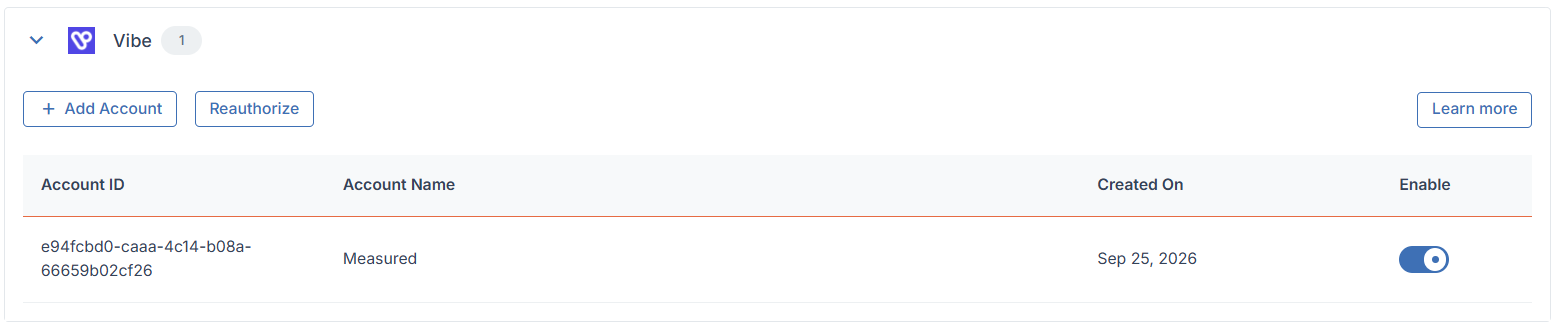
From the Vibe section of your Integrations page you can:
- Add Account — connect an additional Vibe advertiser.
- Reauthorize — refresh the connection if it stops working.
- Enable / disable — switch an individual account on or off without removing it.
Troubleshooting
- Vibe does not appear in the marketing source list.
- The integration may not be enabled for your account yet. Contact your Measured representative.
- Authorization fails or you are returned to an error page.
- Confirm your Vibe user has permission to authorize third-party applications, then try again from step 1.
- Reports come back empty.
- Check that the connected advertiser has a published, delivering campaign for the dates in question. Vibe does not return reporting for an advertiser with no campaign activity.
- Data stops refreshing.
- Select Reauthorize on the Vibe section of your Integrations page. Authorizations expire if a connection goes unused for an extended period.
- Still stuck? Contact your Measured representative or reach out through the help center.